Загрузка…

Adding a note that this still works as the mod manager is warning it is old and might be broken. Also this works with my Numeric Health V2 mod!
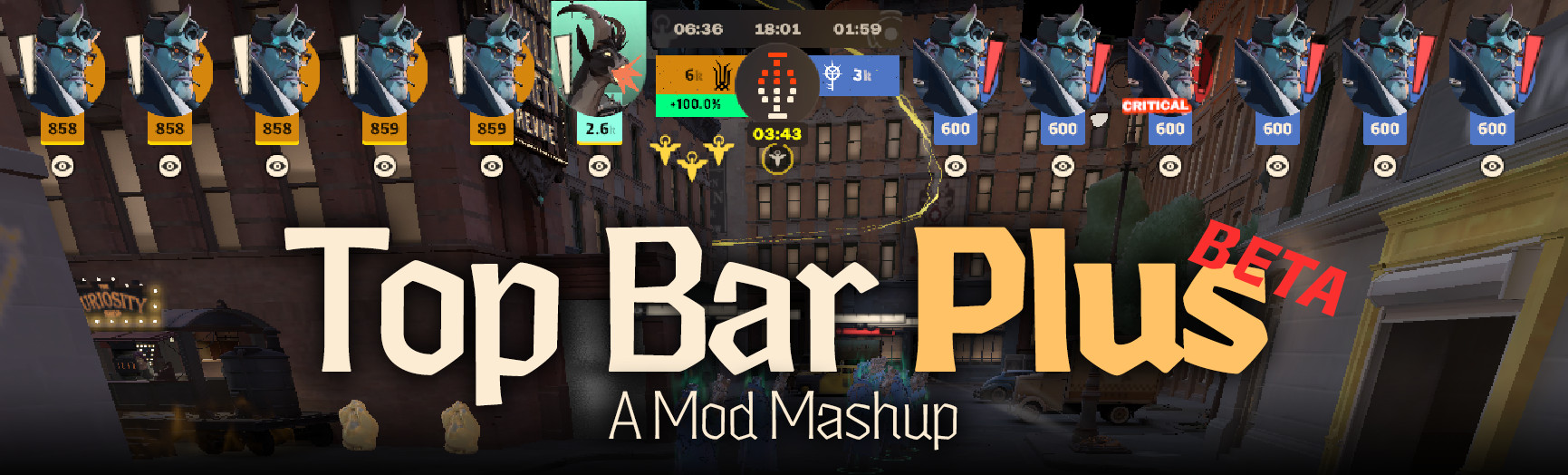
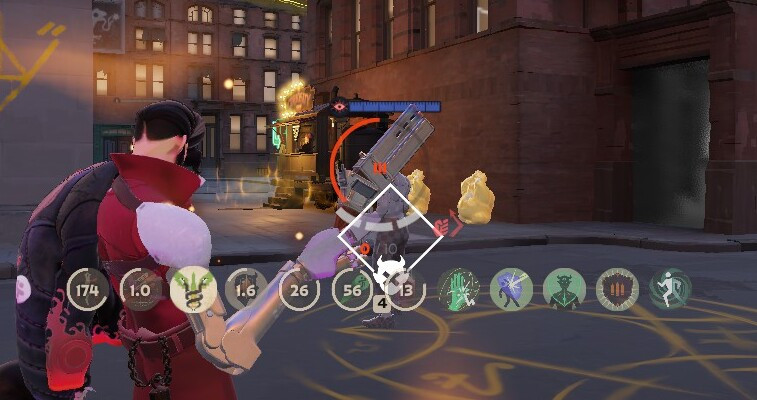
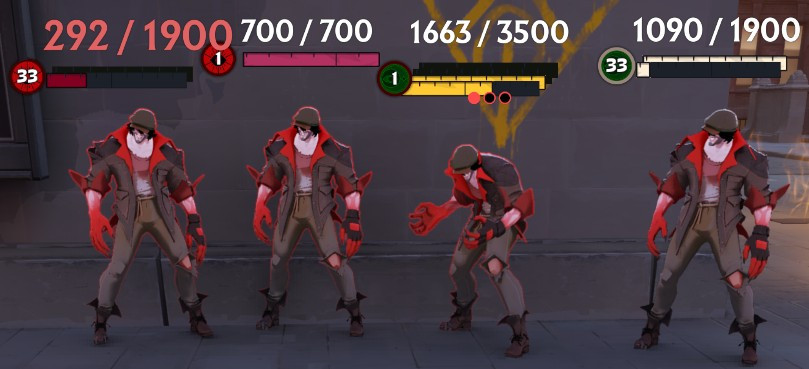
This changes the citadel_unit_status_use_new true hud's Ult icon so that it is more noticeable.
There is a Green/Red version (Green for No Ult, Red for DANGER! ULT!)
and a Black/White version (Black is the default No Ult, White is the Ult) The game does add a red tint to the enemy's icon that I would need to remove with a UI mod rather then just an image swap which would also make it conflict with other mods. As such there is a slight red tint for this one.
Per request I also made a Red/Green inverted version (Red for No Ult, Green for Ult)
If this is the first mod you are trying to install, here is how:
Easy: Use the Mod Manager
Hard/Manual: In the Deadlock folder, go to /game/citadel folder.
Edit gameinfo.gi file with a text editor (Notepad, VS Code, etc.)
Replace the SearchPaths section on rows 38-42 with:
SearchPaths
{
Game citadel/addons
Mod citadel
Write citadel
Game citadel
Mod core
Write core
Game core
}
Create new addons folder inside /game/citadel, make sure it is addons, lowercase and with an s
Place the file from my mod into the new addons folder and unzip it so that the .vpk is in the top level of the addons folder.
If you have another addon with the same number, change it to another unused number between 01-99