Loading…

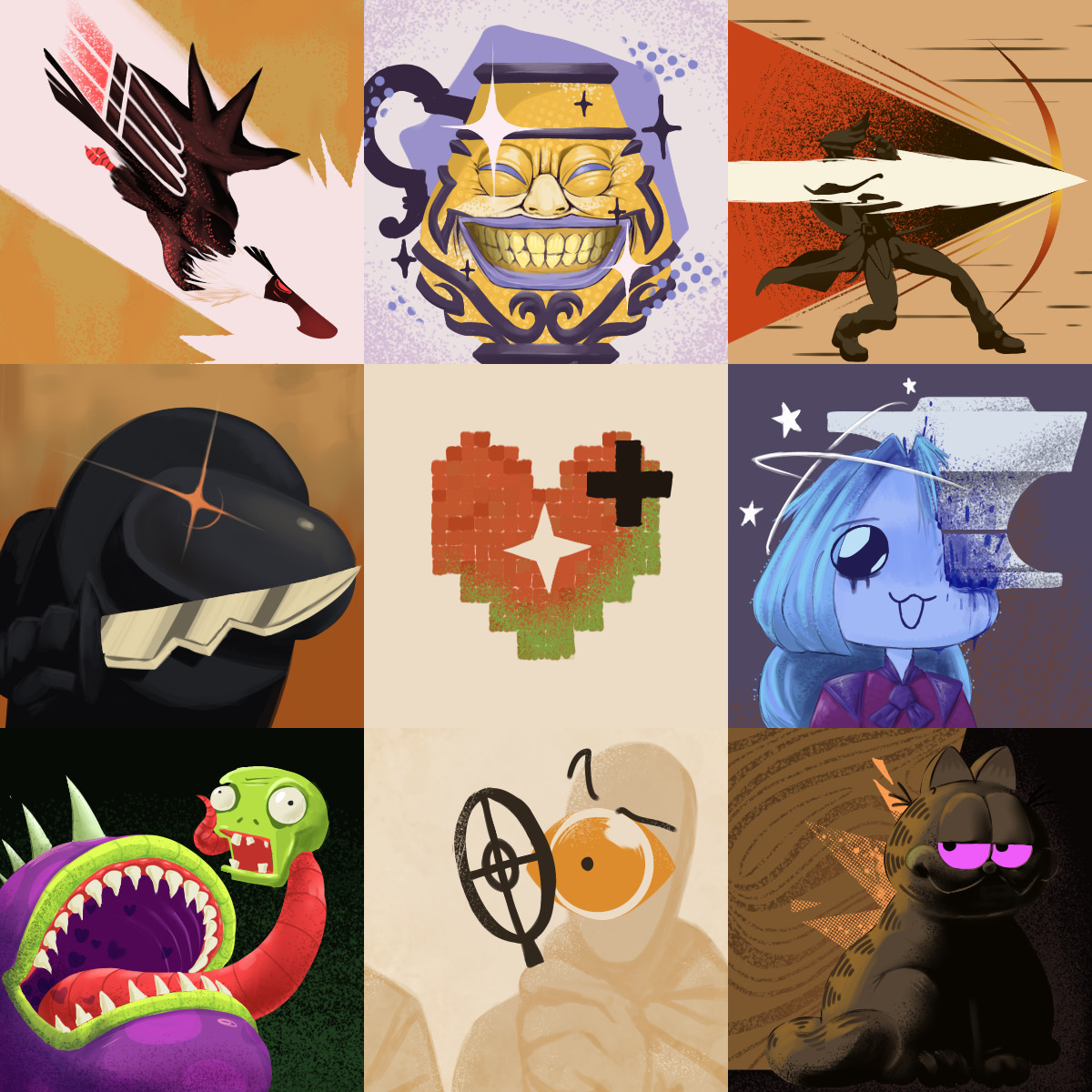
IMPORTANT: Do not directly use the mix-and-match pack! It will make all icons black. Please follow the instructions below to pick and choose which icons you want!
NOTICE: To use the Mix and Match item pack, first manually download it. Then unzip it and select the colors you want. Put those in your citadel/addons folder with different pak numbers, the order doesn't matter. It should work from there. For Deadlock Mod Manager, You can use the Add Mod section to drag and drop directly from the zip file. Custom colors in alphabetical order are: Black, Blue, Fuschia, Gold, Gray, Green, Indigo, Orange, Red, Ruby Red, Violet, White, Yellow.
This mod gives you alternate color options for camps and slot machines.
sinners_gold makes the slot machines a gold color.
camp_default makes the camps green, yellow, and red, based on the color of the base of the creeps.
camp_alt makes the camps green, pink, and purple, which are more visually distinct.
(if you would like alternate options, please let me know)
purple_pink_camps makes the camps purple, magenta, and pink, as well as making the sinners cyan.
sinners paks are compatible with camp paks. For example, if you have both the sinners_gold and camp_def mods, both the camps and the slot machines will be colored.
If the mod is not working, first check if the convar citadel_minimap_use_canvas_for_neutrals is set to 1. If it is set to 0, this mod will not work.